Cloud cost optimization is one of the most common conversations we have with new customers. The pattern is familiar: an organization migrated to AWS, costs were reasonable at first, and then they grew — sometimes faster than the business itself. Teams add resources, nobody removes them, and the monthly bill becomes a source of anxiety rather than a predictable operating expense.
The good news: most AWS environments have significant savings opportunities that can be captured without any impact to performance or reliability. In our experience, a structured optimization engagement typically uncovers 20-35% in savings across compute, storage, and data transfer — often within the first few weeks.
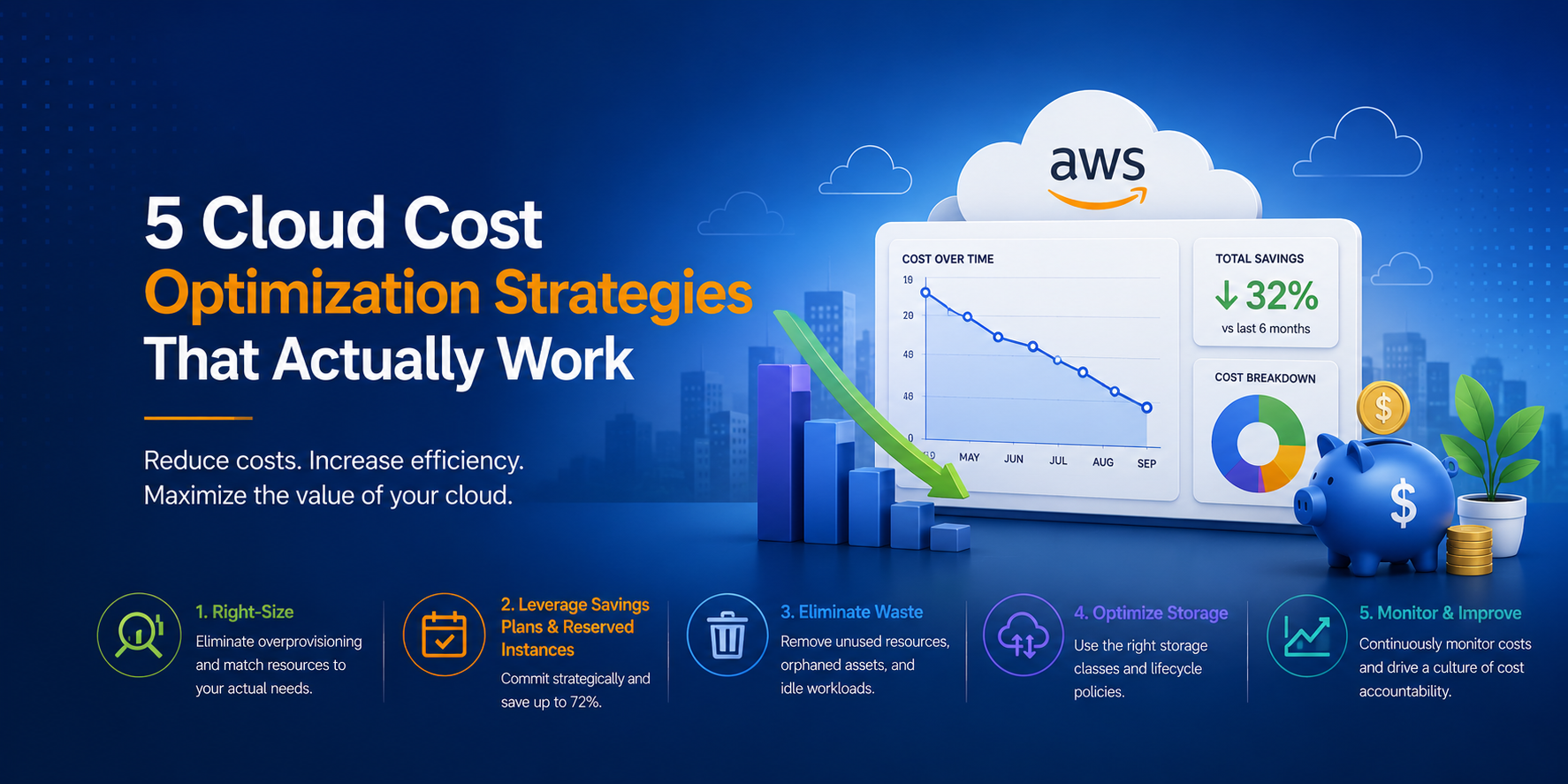
Here are five strategies we apply consistently across customer environments, with practical guidance on how to implement each one.
1. Right-Size Your EC2 Instances
Over-provisioned compute is the single most common source of cloud waste. It happens naturally — teams size instances based on peak estimates, vendor recommendations, or simply choosing the same instance type they've always used. Over time, you end up with a fleet where the average CPU utilization is 10-15%.
How to identify right-sizing opportunities:
- AWS Compute Optimizer analyzes 14 days of CloudWatch metrics and recommends optimal instance types based on actual utilization. It considers CPU, memory, network, and storage I/O patterns.
- CloudWatch metrics — look for instances consistently running below 20% CPU and 30% memory utilization. These are candidates for downsizing.
- AWS Cost Explorer — the right-sizing recommendations view shows estimated savings per instance.
Implementation approach:
Start with non-production environments — dev, staging, QA. These are low-risk and often the most over-provisioned. Then move to production workloads with proper change management.
Don't just drop instance sizes blindly. Right-sizing is an iterative process:
- Identify candidates using Compute Optimizer
- Validate that the recommended instance type meets application requirements
- Resize during a maintenance window
- Monitor for 1-2 weeks to confirm performance is acceptable
- Repeat quarterly as workload patterns change
Typical savings: 20-30% reduction in EC2 spend. For a $50K/month EC2 bill, that's $10-15K/month recovered.
2. Commit with Reserved Instances and Savings Plans
On-demand pricing is the premium you pay for flexibility. For workloads with predictable, steady-state usage — production databases, application servers, domain controllers — you're leaving money on the table by paying on-demand rates.
Understanding your options:
- Compute Savings Plans — the most flexible commitment. You commit to a dollar amount of compute usage per hour (across any instance family, size, OS, or region). 1-year plans save ~20%, 3-year plans save ~35%.
- EC2 Instance Savings Plans — commit to a specific instance family in a specific region. Less flexible but deeper discounts (~25% for 1-year, ~40% for 3-year).
- Reserved Instances — commit to a specific instance type, region, and tenancy. Deepest discounts (~40% for 1-year, ~60% for 3-year) but least flexible.
How to determine the right commitment level:
- Use AWS Cost Explorer's RI/SP recommendations — it analyzes your usage patterns and suggests optimal commitment levels.
- Start conservative — commit to covering your baseline (the minimum usage you know you'll maintain), not your peak.
- Layer commitments — use Savings Plans for baseline coverage and on-demand for variable/burst capacity.
- Review quarterly — as workloads change, your commitment strategy should evolve.
Common mistake: Buying 3-year All Upfront RIs for workloads that might be modernized or decommissioned within that period. Match commitment duration to workload stability.
Typical savings: 30-50% reduction on committed compute spend compared to on-demand.
3. Eliminate Idle and Orphaned Resources
AWS makes it easy to create resources. It does not make it easy to notice when they're no longer needed. Over months and years, environments accumulate waste:
- Unattached EBS volumes — created during instance termination or snapshot restores, then forgotten. Each one costs $0.08-0.125/GB/month.
- Unused Elastic IPs — AWS charges $0.005/hour for EIPs not attached to a running instance. Small per-unit, but they add up across accounts.
- Idle load balancers — ALBs and NLBs with no healthy targets still incur hourly charges plus LCU costs.
- Old RDS snapshots — manual snapshots persist indefinitely and are charged at standard S3 rates.
- Forgotten test environments — entire stacks (EC2 + RDS + ELB + NAT Gateway) left running after a project ends.
- Unused NAT Gateways — $0.045/hour per gateway, plus data processing charges. Multiple NAT Gateways across unused VPCs add up quickly.
How to find them:
- AWS Cost Explorer — filter by service and look for resources with consistent, low-level charges that don't correlate to active workloads.
- AWS Trusted Advisor — the cost optimization checks flag idle resources automatically.
- Custom scripts — use AWS CLI or SDK to query for unattached EBS volumes, unused EIPs, and load balancers with no targets.
- Tagging gaps — resources without tags are often orphaned. If nobody owns it, it's probably not needed.
Implementation approach:
Run a monthly or quarterly resource audit. Automate what you can — Lambda functions that tag unattached EBS volumes for deletion after 30 days, for example. For larger cleanups, create a spreadsheet, assign owners, and give teams 2 weeks to claim or delete.
Typical savings: 5-15% of total monthly spend. Often the easiest wins because they require no architectural changes.
4. Optimize Data Transfer Costs
Data transfer is the hidden cost that surprises teams who focused only on compute and storage during planning. AWS charges for data moving between Availability Zones, out to the internet, through NAT Gateways, and between services in different VPCs.
Common sources of unnecessary data transfer:
- Cross-AZ traffic — every GB between AZs costs $0.01 in each direction. Chatty microservices deployed across AZs can generate significant cross-AZ charges.
- NAT Gateway processing — $0.045/GB processed. If your instances are pulling large amounts of data from S3 or other AWS services through a NAT Gateway, you're paying a premium for traffic that could use VPC endpoints instead.
- Internet egress — $0.09/GB for the first 10TB/month. CDN caching with CloudFront can reduce origin egress significantly.
- VPC Peering vs Transit Gateway — Transit Gateway charges per-GB for data processed. For high-volume, point-to-point traffic, VPC Peering (free for data transfer) may be more cost-effective.
Optimization strategies:
- Deploy VPC endpoints for S3, DynamoDB, and other AWS services your instances communicate with frequently. Gateway endpoints are free; interface endpoints cost $0.01/hour but eliminate NAT Gateway processing charges.
- Use CloudFront for static assets and API caching to reduce origin data transfer.
- Review cross-AZ architecture — for latency-insensitive workloads, consider single-AZ deployment for non-critical environments.
- Compress data in transit — enable gzip/brotli compression for API responses and data transfers between services.
- Use S3 Transfer Acceleration or direct regional endpoints instead of routing through NAT Gateways.
Typical savings: 10-25% reduction in data transfer charges. For data-intensive workloads, this can be substantial.
5. Implement Tagging and Cost Allocation
You can't optimize what you can't see. Without consistent tagging, your AWS bill is a single number that nobody can decompose into meaningful categories. Teams can't be held accountable for their spend, and optimization efforts lack focus.
A practical tagging strategy:
At minimum, tag every resource with:
Environment— production, staging, development, sandboxTeamorOwner— who's responsible for this resourceApplication— which application or service this supportsCostCenter— for chargeback or showback reporting
Enforcement:
- Use AWS Organizations Service Control Policies (SCPs) to prevent resource creation without required tags.
- Implement AWS Config rules that flag untagged resources as non-compliant.
- Run weekly reports showing tagging compliance by team — visibility drives behavior.
Cost allocation:
- Activate cost allocation tags in the AWS Billing console so they appear in Cost Explorer and Cost and Usage Reports.
- Build team-level dashboards in Cost Explorer or QuickSight so each team can see their own spend trends.
- Set up AWS Budgets with alerts — teams that know their budget and get notified at 80% are far more cost-conscious than teams that never see the bill.
The organizational shift:
Tagging isn't just a technical exercise — it's the foundation of a FinOps practice. When teams have visibility into their spend and accountability for their budget, optimization becomes a continuous habit rather than a periodic fire drill.
Typical savings: Indirect but significant. Organizations with mature tagging and cost allocation practices consistently spend 15-20% less than those without, because waste is visible and owned.
Beyond the Five: Additional Opportunities
Once you've addressed the fundamentals above, there are additional optimization levers:
- Spot Instances — for fault-tolerant workloads (batch processing, CI/CD, stateless containers), Spot pricing offers 60-90% savings over on-demand.
- Graviton instances — AWS's ARM-based processors offer ~20% better price-performance than equivalent x86 instances for many workloads.
- Storage tiering — S3 Intelligent-Tiering, Glacier, and EBS volume type optimization (gp2 to gp3 migration alone saves 20% with better performance).
- Scheduled scaling — for workloads with predictable patterns (business hours only, weekday only), schedule scale-down during off-hours.
Where to Start
The most effective approach is a structured Cost Optimization review — either standalone or as part of an AWS Well-Architected assessment. At Atayo, we typically start with a 2-week analysis of your Cost and Usage Reports, Compute Optimizer data, and Trusted Advisor findings, then deliver a prioritized roadmap of savings opportunities with estimated impact and implementation effort for each.
Our clients typically see 20-35% reduction in monthly AWS spend within 60 days of implementing the recommendations — without any degradation in performance or availability.
Request a cost optimization review to find out what's possible in your environment.
Tags
Atayo Group
AWS-certified cloud practitioners delivering end-to-end cloud solutions and services.
About Atayo →